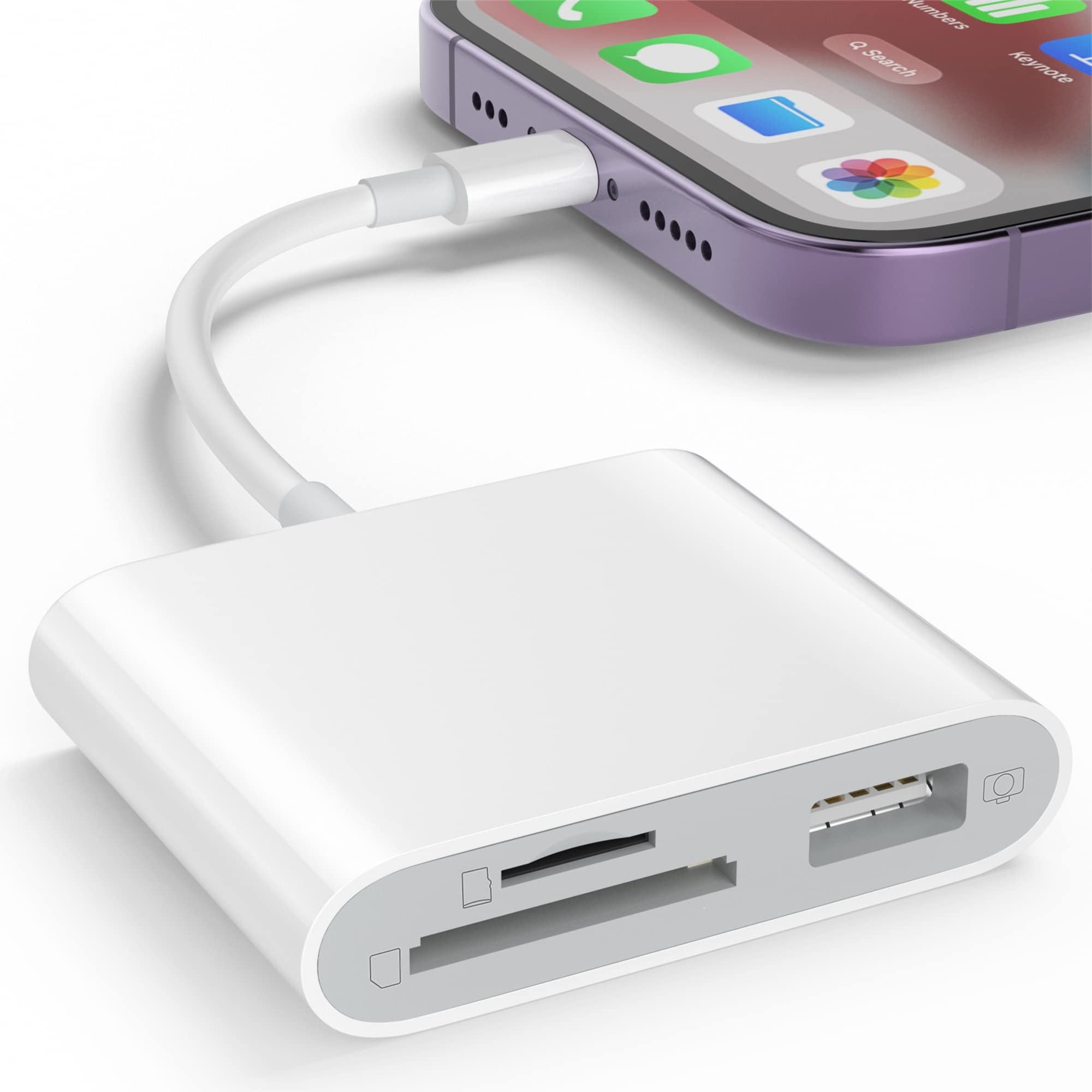
SD Card Reader OTG Adapter for Iphone, Memory Card Reader with USB Camera Adapter, Plug & Play Trail Game Camera SD Card Viewer for Ipad, SD Cards Reader


SD Card Reader OTG Adapter for Iphone, Memory Card Reader with USB Camera Adapter, Plug & Play Trail Game Camera SD Card Viewer for Ipad, SD Cards Reader
Reminder: When the card reader is inserted into the phone, there will be no pop-up prompt. You need to go to the file management of the phone app to find the document "Untitled".
If 'Untitled' does not appear at this time, it is not a problem with the product. It will appear after refreshing a few more times.
- How to transfer mobile phone photos to a storage card:
- ①:insert the storage card into the card reader and then into the phone
- ②:Open your phone's photo album and select the photos you want to transfer
- ③:Click Send - Save to "File" to complete the transfer
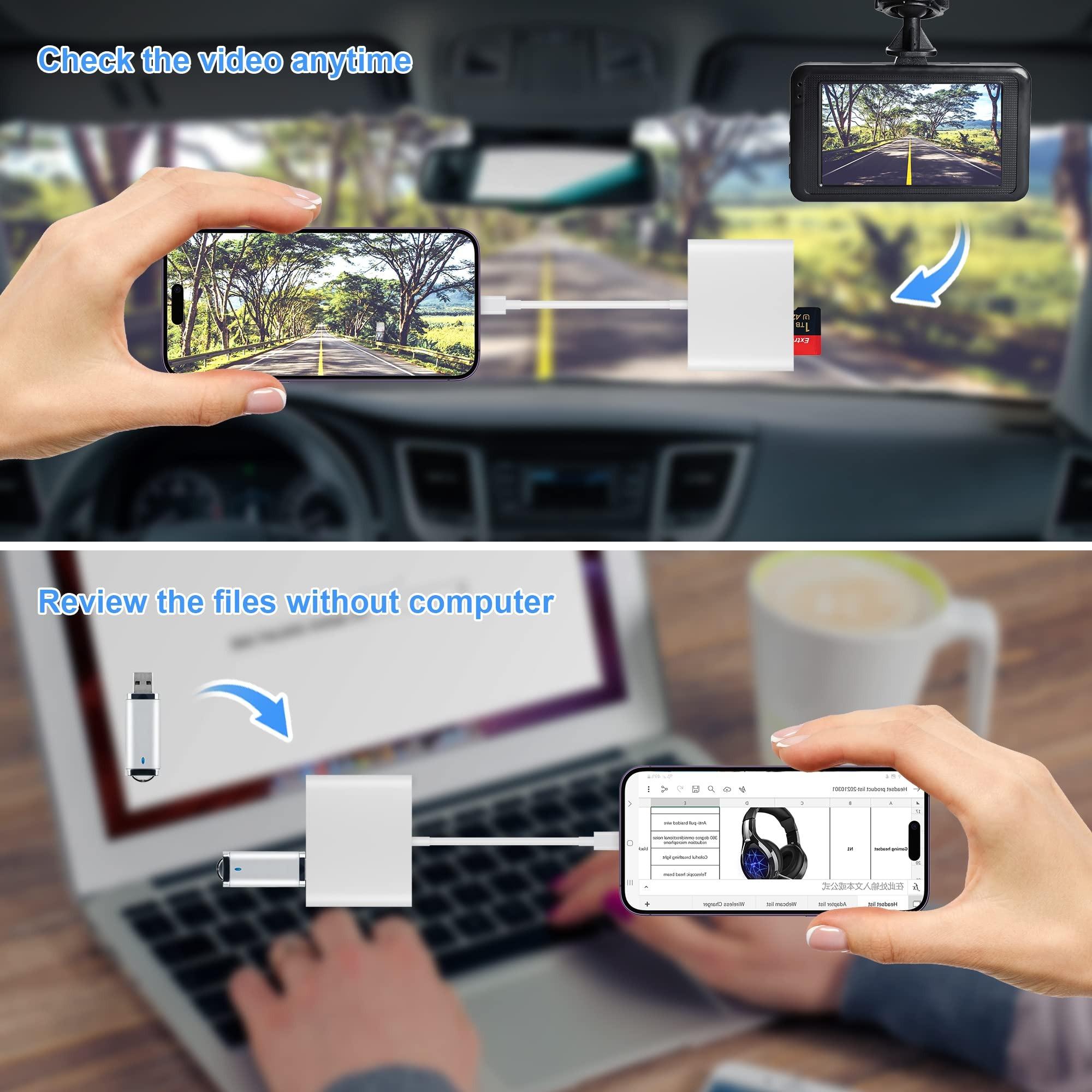
- How to view the data in the storage card:
- ①:Insert the storage card into the card reader and then into the phone
- ②:Open the mobile app 'Files'
- ③:Click on "Browse" in the bottom right corner and find the folder name "Untitled'to view all the information in the storage card
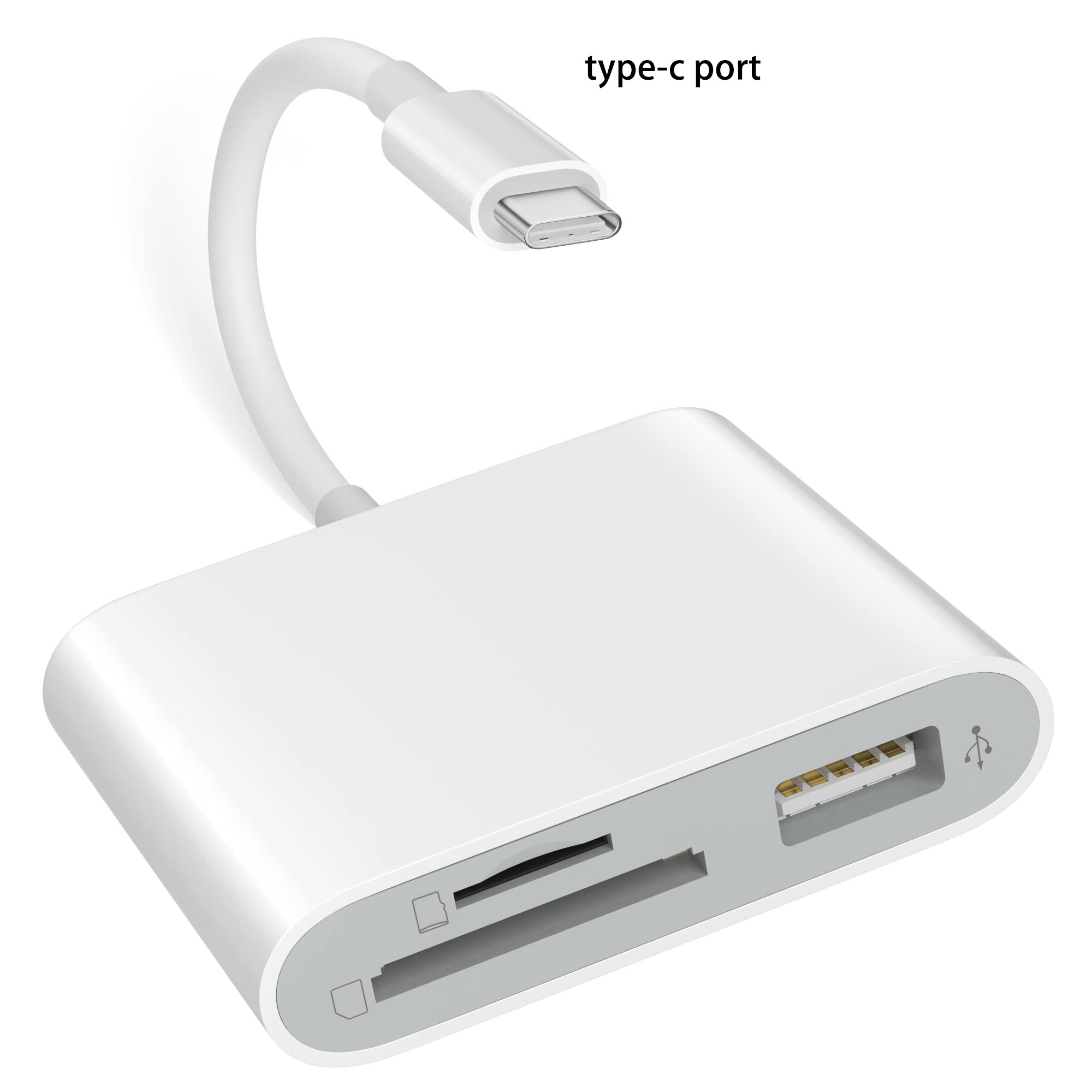
【3-in-1 Functionality】: This portable card reader combines SD and TF card support for seamless file transfers across devices.
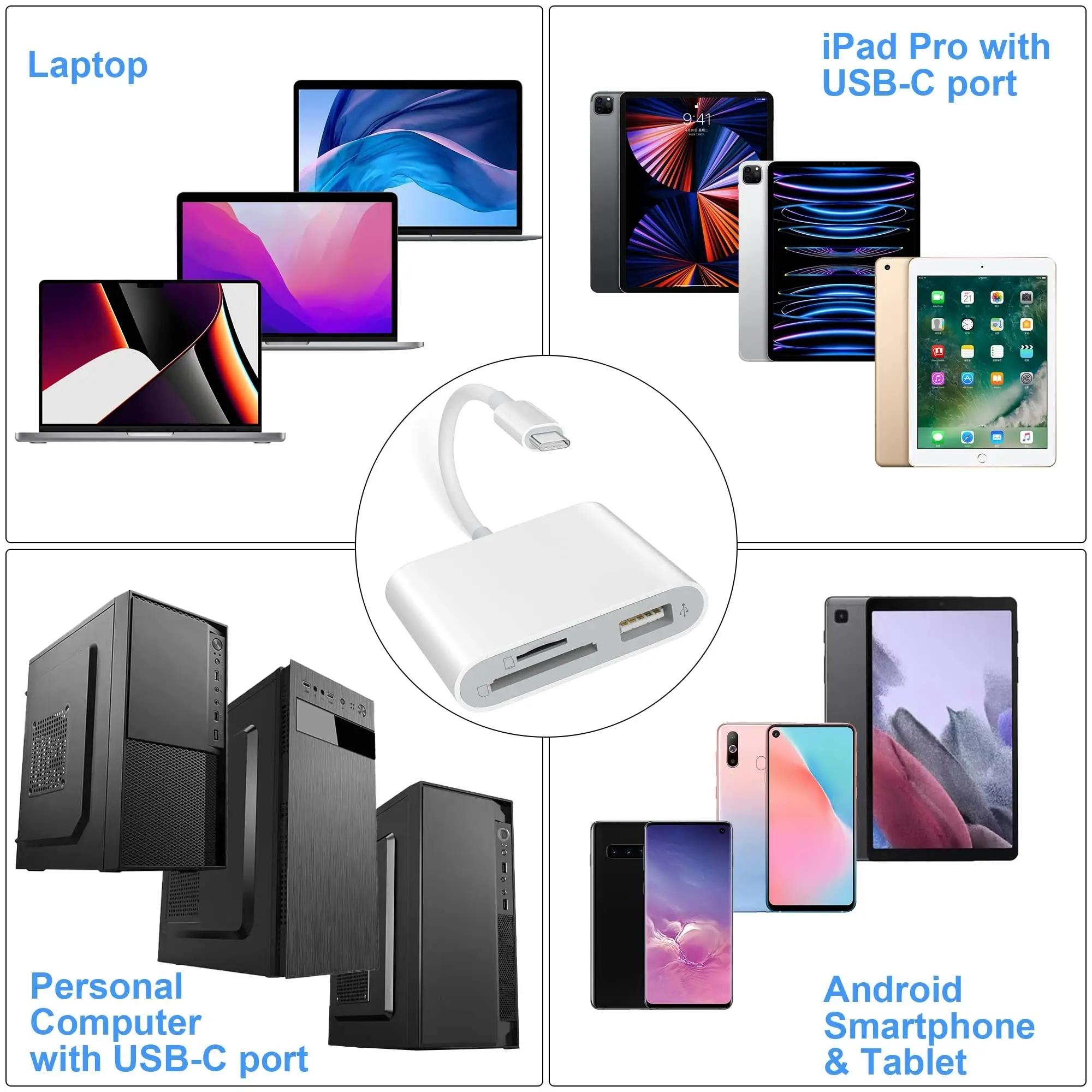
【OTG Compatible】: Easily connect to your iPhone or laptop, ensuring efficient data management with this OTG adapter.
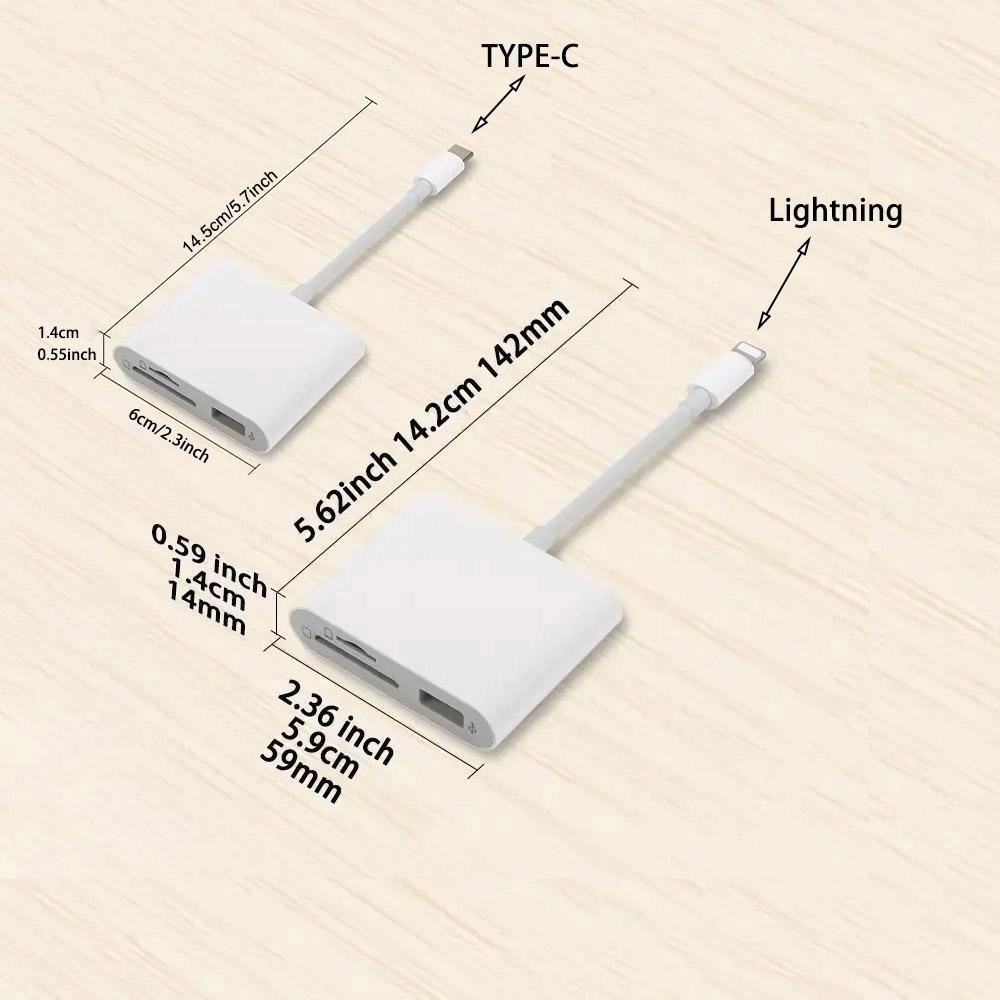
【Compact Design】: The lightweight construction makes this card reader an excellent companion for photographers and travelers.
【User-Friendly Experience】: Plug-and-play functionality removes technical barriers, enabling quick and simple use without extra software.
【Broad Compatibility】: Compatible with multiple devices including cameras, this reader meets diverse storage needs for various users.